rest
01
Made for every screen.
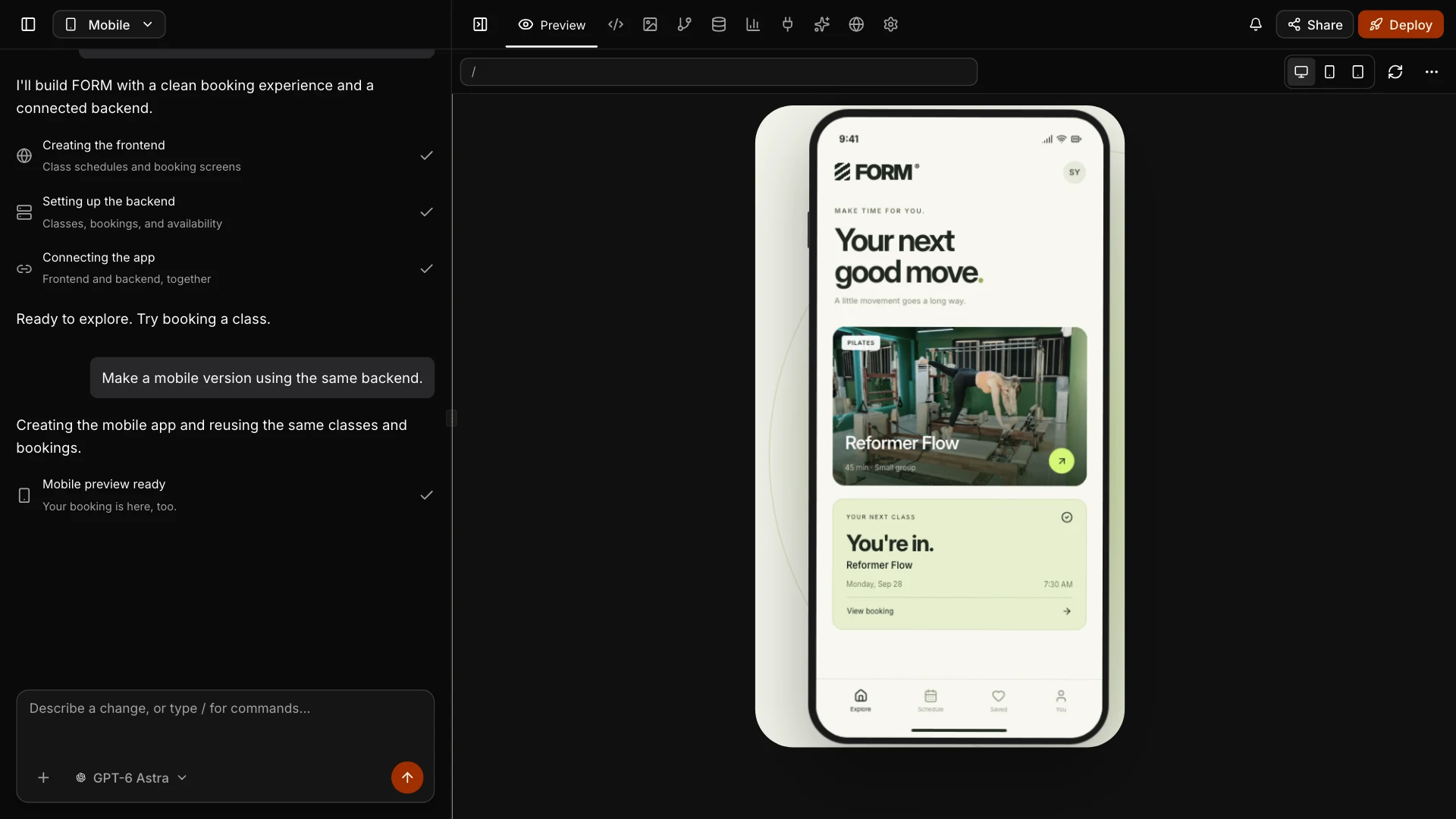
Create responsive websites and apps for iOS and Android. Shape each experience in the same workspace.
See the studioCreate apps, websites, and content with AI. Start with an idea, then build and refine it in one conversation.
THE STUDIO
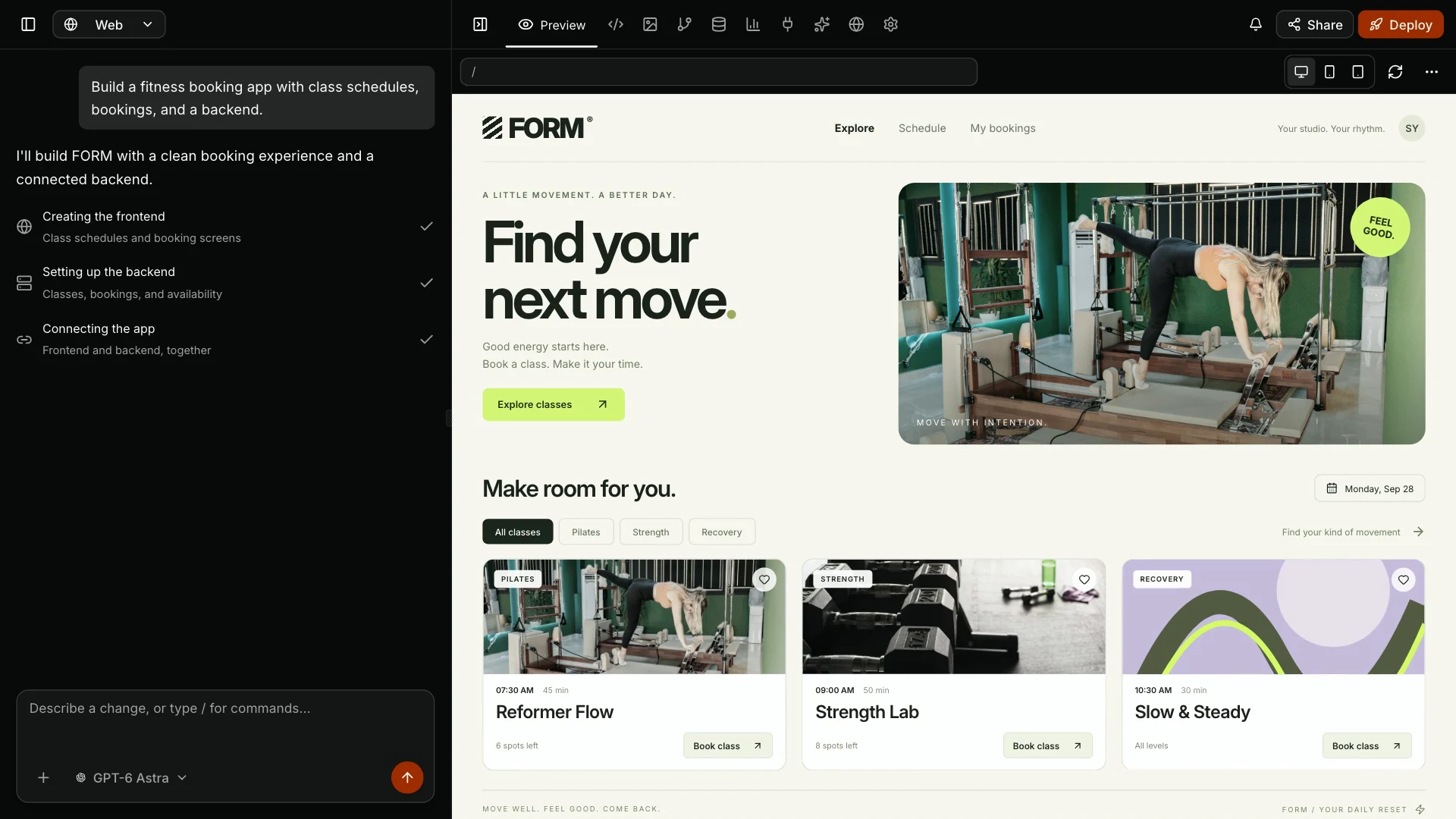
Build a booking website. Add the mobile app. See one project take shape, from the first conversation to the live preview.
A sentence, a detailed brief, or a file to start from. Bring what you have.
See the result. Ask for changes. Keep shaping it in the same conversation.
Publish your site, prepare an app release, or download your files. Your next step, in one place.
A working app. A launch film. The deck that gets it started. Create, refine, and publish with Wemob.
Create responsive websites and apps for iOS and Android. Shape each experience in the same workspace.
See the studioPublish to a live URL, connect your domain, and choose from app-server locations across 12 countries on Pro and Max.
Explore publishingGenerate videos, images, slide decks, and documents. Create the content around your product, too.
Explore the possibilitiesPRICING
Apps, websites, slides, images, and videos. One studio. Start free. Upgrade when you’re ready.
From a quick edit to a complex build, choose the model for the work. Including GPT‑6 Astra and Claude Fable 5.1 on Max.
Find your planA premium option for the most demanding coding tasks.
 OpenAI
 Anthropic
 Google
 Kimi
Kimi DeepSeek
 Z.AI
Z.AI MiniMax
 Xiaomi
 Qwen
Qwen xAI
xAIWHAT YOU CAN CREATE
Create the website, the pitch deck, and the launch assets in the same studio. Pick a format to try a starting prompt.
A project gallery, services, and a contact form for a design studio.
From your first prompt to your next release. Build the backend, adapt to demand, and keep improving your app in one workspace.
Describe what your app needs. Wemob creates the backend, sets up a database, and connects it to your app.
Database compute scales automatically within your plan. App servers wake on demand and can suspend while idle.
Add a feature, refine a screen, or rethink a flow. Describe what comes next and keep improving the app you’ve already built.
Compute and publishing limits vary by plan.
QUESTIONS & ANSWERS
The details on code, publishing, and working with Wemob.
Create websites, web and mobile apps, backends and APIs, presentations, documents, PDFs, spreadsheets, images, and videos. Start with a description, then refine your work in conversation in Wemob Studio.